
How To Obtain And Download Your Barclaycard Insurance Policy (Website Closed)
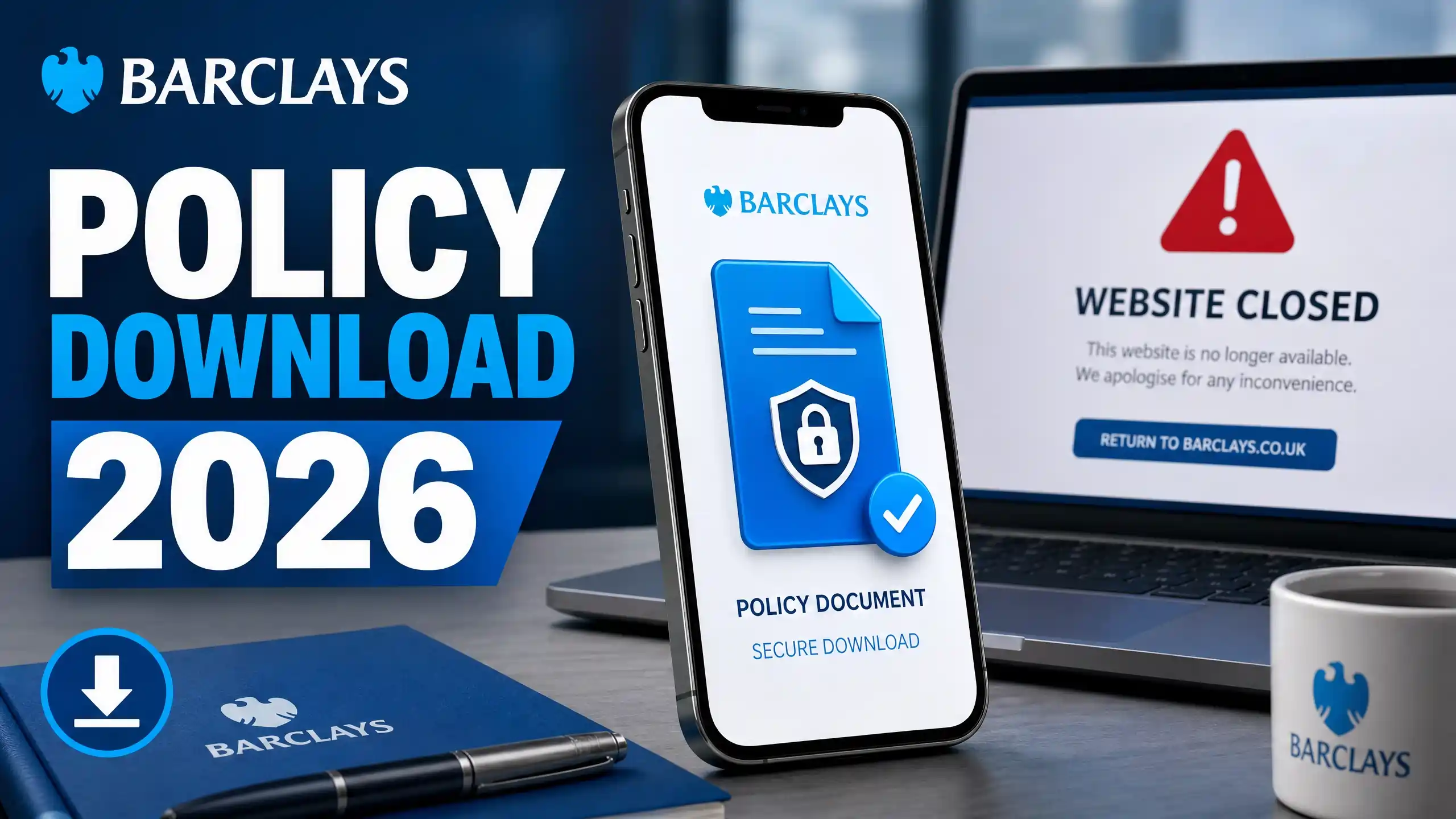
If you’ve tried to log into the old Barclaycard servicing website in the past few days, you’ll have probably found the doors shut. The site officially closed on June 10, 2026, Barclays said.
Many cardholders, particularly Platinum and Rewards users, have been left scratching their heads and asking, “Where on earth are my insurance documents?” since then. If you’re dealing with a travel emergency or simply want to have your policy number on hand, don’t panic.
You didn’t just lose your coverage in a hoover. It just turned. Here’s a simple and quick guide on how to find your policy using Barclays’ new system.
Where Did My Policy Go?
Barclays is now “App-First” officially and the old website has been retired. The abrupt closure has taken many people by surprise, especially those who only have a Barclaycard and don’t actually bank with Barclays.
Your documents are in absolutely safe hands. They are securely stored in the cloud, with direct access via the Barclays Mobile App.
How to Upload Your Policy on the App (Step-by-Step)
The old username & ID login system is dead so the app is your main hub now. Here’s how to locate your paperwork:
- Open Barclays App Check that you have the latest version on your phone.
- Tap ‘More’ The menu icon with three dots is at the bottom right of your home screen.
- Go to ‘Statements and Documents’ This is your online filing cabinet.
- Your search term To clear out the clutter, tap the filters and choose either ‘Insurance’ or ‘Important Documents’.
- Download PDF Download your policy schedule to your phone for offline viewing.

Understanding Your Insurance Paperwork
When you download the files, you will usually see 3 main documents. Here’s a quick rundown of what they are and when you’ll need them:
| Document Type | What is in it? | When do you need one? |
|---|---|---|
| Policy Schedule | Your specific coverage dates and personal insurance number. | Emergency claims abroad (e.g. emergency medical claims). |
| IPID (Information Document on the Insurance Product) | A brief one page summary of what is and isn’t covered. | Quick checks (e.g. is my flight delay eligible for compensation?). |
| Terms and Conditions | The fine print legal contract. | Sorting out difficult coverage disputes or complicated claims. |
Need to use a laptop?
If you don’t want to use your phone, you can still get your insurance information on a desktop computer. But you’ll need to use the main Barclays Online Banking page, not the old card portal.
💡 Note for Credit Card Only Customers: If you don’t have a traditional checking account with Barclays, you may have to register as a “new user” on the main online banking site. When you get there, go to the “Documents” section and find “Insurance Benefits” and download your PDFs.

Troubleshoot Common Problems
You’ve just upgraded your card? If you have recently changed or upgraded your Barclaycard account please allow up to 48 hours for the system to generate your new insurance documents.
Locked out? Now that Barclays uses the app for security authentication, it can be a pain to log in sometimes. If you’re really stuck, call their support team on 0800 151 0900.
Platinum Card Reminder: Keep in mind that for some Platinum benefits to work, you generally need to show that you booked the trip with that specific card.
The Final Word
Yes, it’s a little jarring losing the old web portal, but your insurance is still in full swing. Download and set up the app now, before you actually travel, so you can have peace of mind knowing your policy number is just a few taps away if things go sideways.